Managing Terraform State: Best Practices for DevOps
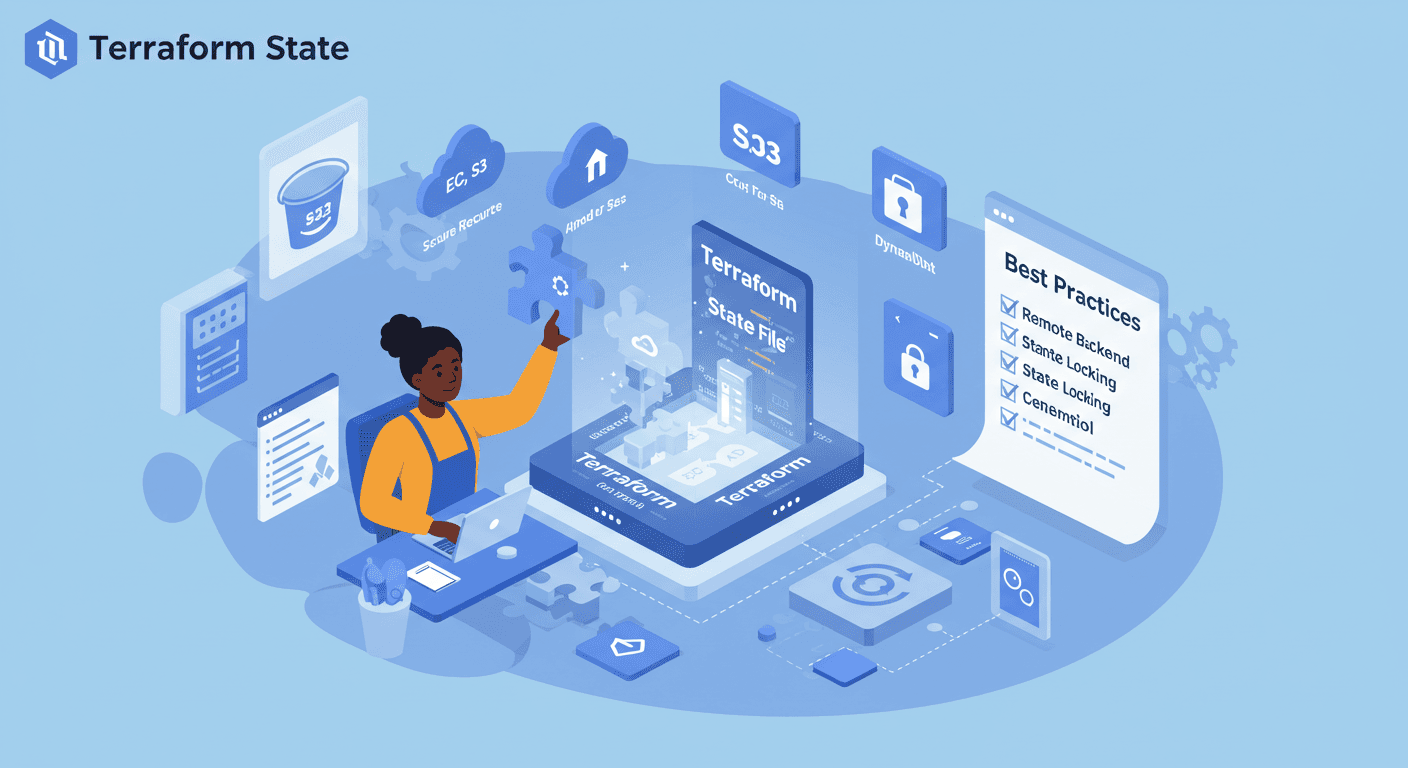
Understanding Terraform State and Remote Storage with AWS S3
Introduction to Terraform State
When working with Terraform, one of the most critical concepts to understand is Terraform state. As I recently worked through Chapter 3 (pages 81-113) of my Terraform studies, I gained valuable insights into what Terraform state is, why it's important, and how to manage it effectively across teams.
What is Terraform State?
Terraform state is stored in a file named terraform.tfstate by default. This JSON-formatted file serves several essential purposes:
Mapping to Real World: It keeps track of the resources Terraform manages and their current settings
Metadata Storage: Stores dependencies between resources that aren't apparent from your configuration
Performance: For large infrastructures, it helps Terraform run operations more efficiently
Sync Mechanism: Enables teams to work together by knowing the current infrastructure state
The state file contains sensitive information (like database passwords in plaintext), so it should always be protected.
Shared Storage for State Files
Working with state files locally is fine for individual projects, but when collaborating with teams, we need a better solution. The chapter highlighted several problems with local state files:
Team Conflicts: Multiple team members can't easily work together
Data Loss Risk: Local files can be accidentally deleted
Security Issues: Sensitive data isn't properly protected
The solution? Remote state storage - storing the state file in a shared, secure location that the whole team can access.
Managing State Across Teams
For team collaboration, we need to consider:
Locking Mechanisms: Prevent multiple simultaneous operations that could corrupt state
Access Controls: Ensure only authorized personnel can modify infrastructure
Versioning: Track changes to infrastructure state over time
Audit Logs: Monitor who made what changes and when
Hands-on Activity: Deploying Infrastructure and Configuring Remote State

Part 1: Deploying Infrastructure and Inspecting State
From the previous Terraform code, I used it to create the S3 bucket to store the state file
After running terraform apply, I inspected the generated terraform.tfstate file. The JSON structure showed all the resource attributes and metadata. Key observations:
Each resource has a unique address
The file tracks the actual state of cloud resources
Sensitive data is stored in plaintext (highlighting the need for secure storage)

Part 2: Configuring Remote State with AWS S3
To implement remote state storage, I followed these steps:
Created an S3 bucket used CLI
aws s3api create-bucket --bucket simi-ops-terraform-state \
    --region us-west-2 --create-bucket-configuration \
    LocationConstraint=us-west-2
Configured Terraform to use the S3 backend:
terraform {
  backend "s3" {
    bucket  = "simi-ops-terraform-state"
    key     = "web-server/terraform.tfstate"
    region  = "us-west-2"
    encrypt = true
  }
}
After initializing with terraform init, Terraform automatically migrated my local state to S3. Now my state is:
- Stored securely in an encrypted S3 bucket

Key Takeaways
State is essential: Terraform relies on it to map your configuration to real resources
Local state isn't for teams: Remote storage solves collaboration challenges
AWS S3 is a robust solution: Especially when combined with DynamoDB for locking
Security matters: Always encrypt state files and control access carefully
Next Steps
Implement DynamoDB to store lock file
Implement Versioning
Implement IAM policies for fine-grained state access control
Explore Terraform Cloud for enhanced collaboration features
Set up state file auditing and change notifications
Understanding Terraform state management has been a game changer for my infrastructure-as-code workflows. The shift from local to remote state might seem like extra work initially, but the benefits for team collaboration and security make it absolutely worth the effort.