Deploying Multi-Cloud Infrastructure with Terraform Modules
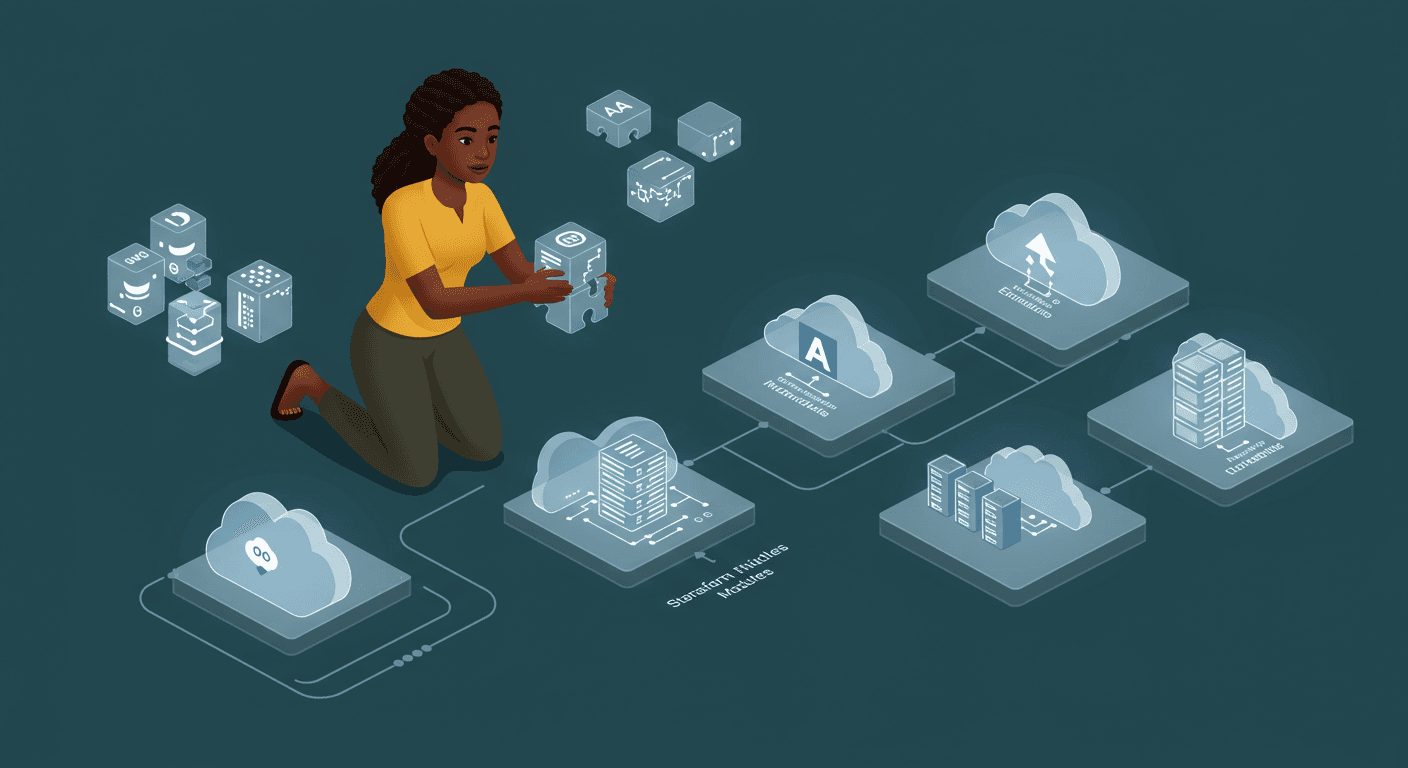
Day 15: Working with Multiple Providers - Part 2 Task Description Reading: Complete Chapter 7 of "Terraform: Up & Running"
Automating Infrastructure with Terraform: CI/CD & Docker Deployment
This week's hands-on work focused on two critical labs that bridge the gap between infrastructure code and production deployments:
Lab 16: Terraform CI/CD Integration
Implemented GitHub Actions workflow for Terraform plan/apply
Configured environment-specific approval gates
Established automated linting and validation checks
Integrated secure secret management via GitHub Secrets
Lab 17: Remote State Management
Migrated from local state to AWS S3 backend
Implemented state locking with DynamoDB
Configured state encryption using KMS
Set up least-privilege IAM policies for state access
Docker Deployment Automation
Building on these foundational labs, I implemented a robust Docker deployment solution:
1. Automated Docker Runtime Setup
resource "aws_instance" "app_server" {
  user_data = <<-EOF
              #!/bin/bash
              sudo yum update -y
              sudo amazon-linux-extras install docker -y
              sudo service docker start
              sudo usermod -a -G docker ec2-user
              EOF
}
Ensures Docker is automatically installed on new EC2 instances
Configures proper permissions without manual intervention
2. Container Deployment Implementation
resource "aws_instance" "app_server" {
  user_data = <<-EOF
              #!/bin/bash
              sudo docker run -d \
                --name simi-ops \
                --restart always \
                -p 80:80 \
                simimwanza/simi-ops
              EOF
}
Deploys the
simimwanza/simi-opsimage automaticallyConfigures port 80 for web access
Implements auto-restart policy for resilience
Key Achievements
Full CI/CD Pipeline - From code commit to production deployment
Secure Remote State - Encrypted, versioned, and properly isolated
Immutable Infrastructure - Docker ensures consistent runtime environments
Self-Healing Architecture - Auto-restart maintains service availability
Zero-Touch Deployment - Fully automated from infrastructure to application
Lessons Learned
State Management is Critical
Proper remote state configuration prevents team collisions and data lossCI/CD Needs Guardrails
Approval workflows prevent accidental production changesDocker Simplifies Deployments
Containerization eliminates environment drift issues
Next Steps
Looking to enhance this implementation by:
Adding health checks to container deployments
Implementing blue/green deployment patterns
Adding monitoring integration
Exploring ECS/EKS for orchestration
This automation foundation enables reliable, repeatable deployments while maintaining full auditability through version-controlled infrastructure.